Working with Images
The best way to insert an image is to click on a column that is the size and position you want your image to occupy.
Then click on the "add Content" link.
Select Image
Navigate to your image and click on it
Add the appropriate alternate text in the space provided.
Click "Submit"
How to upload an image from inside a widget or grid block.
- click on add content
- click on image or one of the widgets
- click on "click to insert image"
- navigate to the folder that you want to place the image in, click on that folder to open it.
- Now, click on the upload button in the top right corner.
- Navigate to the folder you are uploading the image from, click on the image
- add the alt text,.
- Click submit
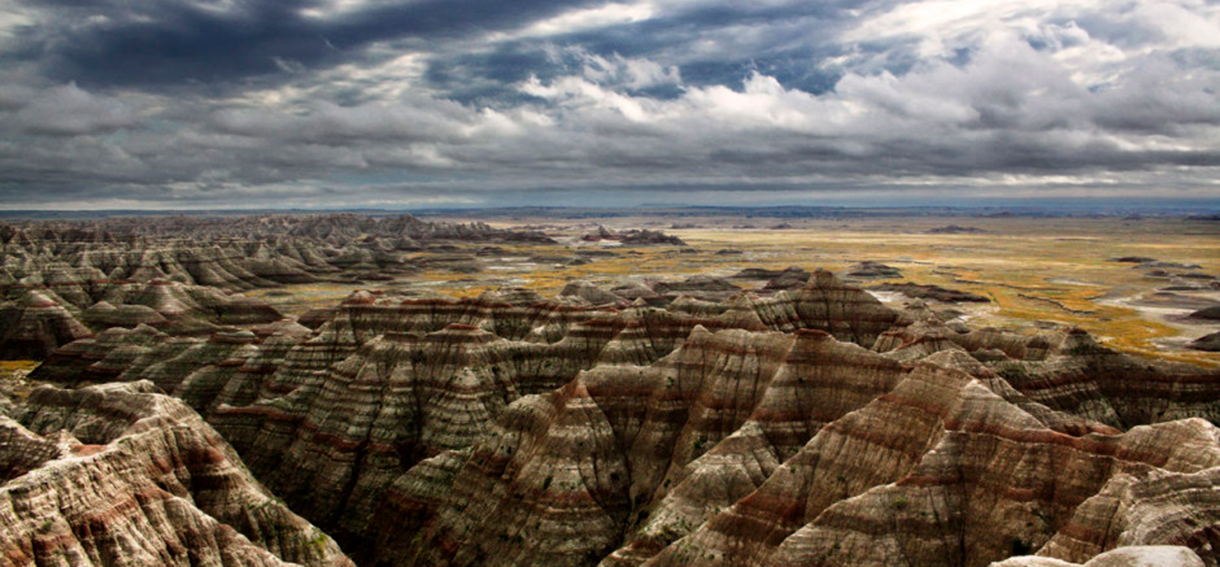
stormclouds over arid landscape

kitten
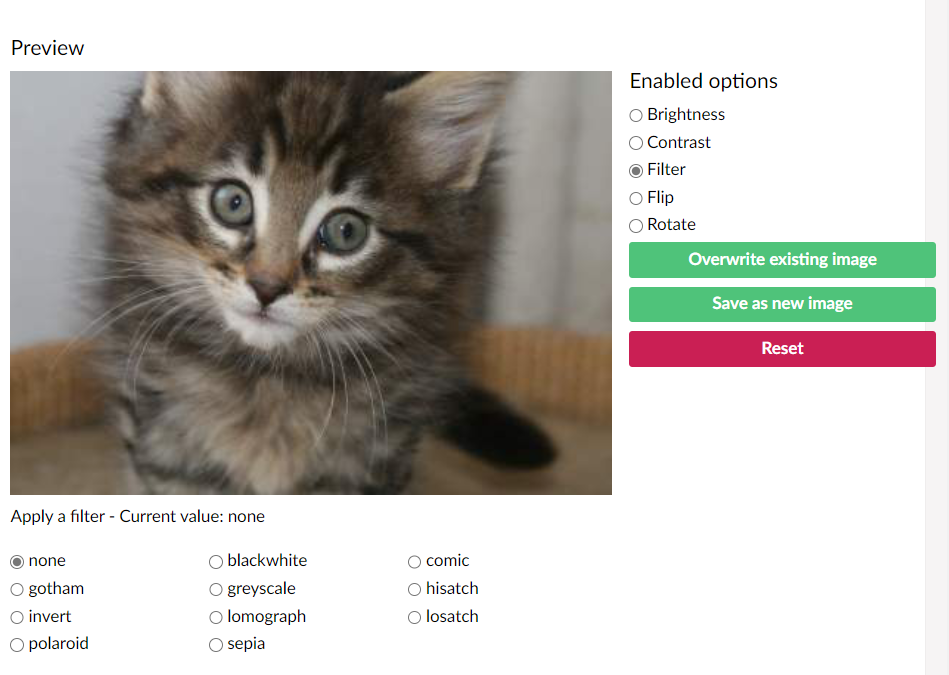
You can apply filter to images and/or rotate them inside the umbraco backoffice.
To do so, go to the media folder and click on your image.
Click on the filter icon in the top right corner of your screen.
The image on the bottom left has been flipped and had the brightness and contrast filters applied.
The screen shot below demonstrates the options available.