Creating an Image Gallery
There are two steps to creating an image gallery.
1. Place all of the images that you want to include in the gallery into the same folder inside your media folder in Umbraco.
- If possible, make sure they are the same size before loading them into the folder.
- Give the images in the folder meaningful names. The image names will be used to create the alt text tags for the images.
2. Navigate to the that you want the gallery to appear on.
- On that page, select the Image Gallery macro.
- Click on Select folder with Images
- Navigate to your image folder
- Click on the folder image, to select the entire folder.
- Click select
- Click Submit
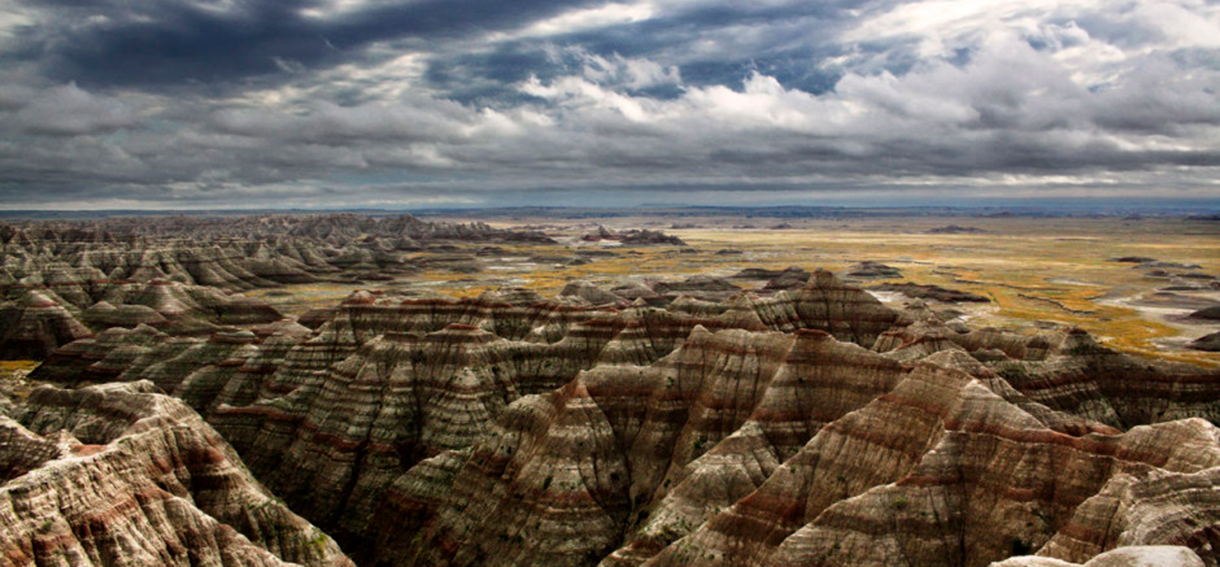
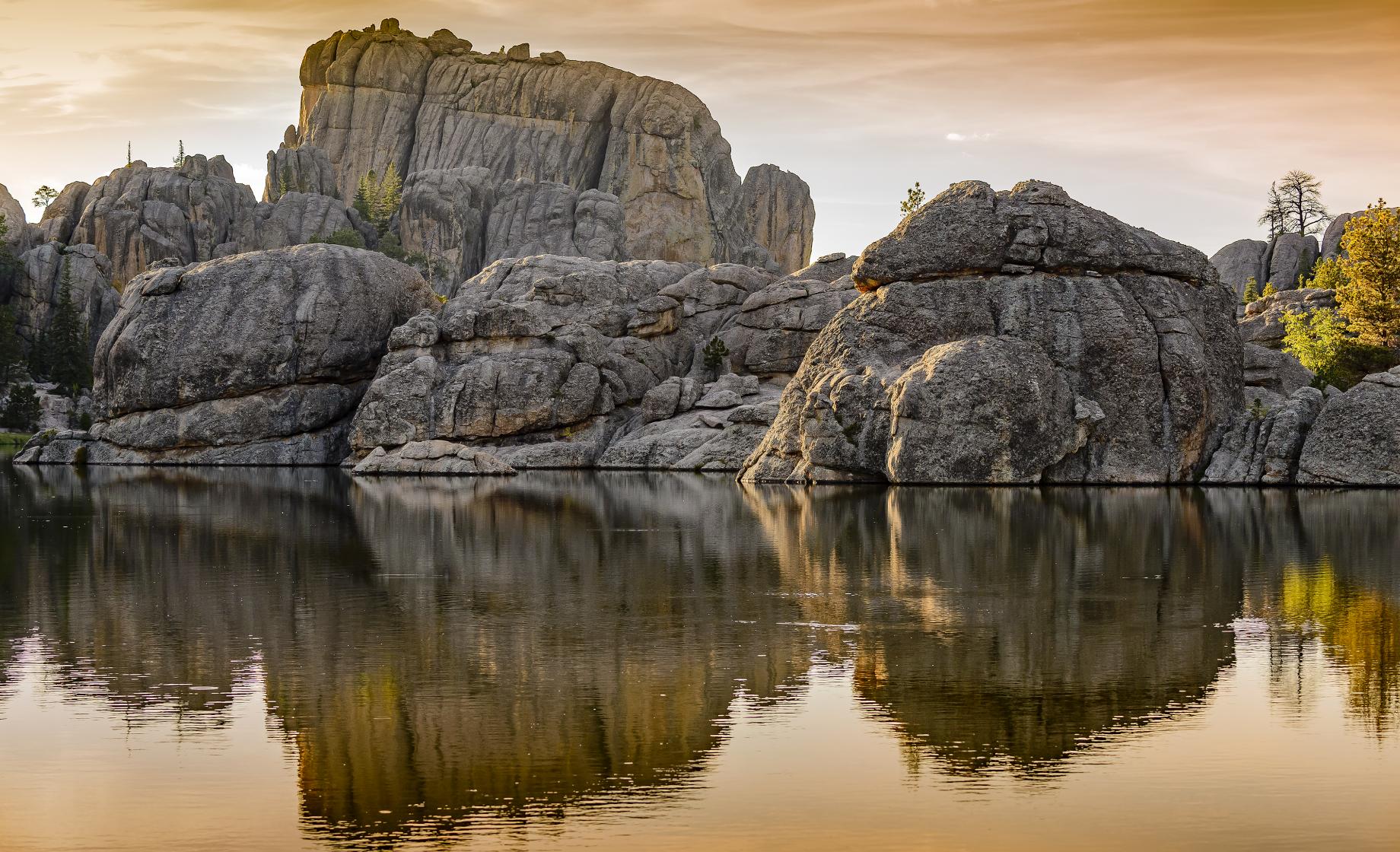
Your images will be laid out in a gallery on your live web page. See the example below.