How to work with the block grid
You will be able to add the same kinds of content that you added via the Grid in earlier versions of Umbraco. Unfortunately, that editor looks like it's going away. So we need to move toward using the BlockGrid to add our widgets.
The items that can be added via the blockgrid are:
- Rich Text
- Images
- Quotes
- WSU Events
- Facility Hours
- Content Cards
- Person Cards
- You Tube Video
- Image Gallery
- Slide Show
- Tables
- Macros
- Tabbed Content
- Accordion items
Normally, blocks take up 100% of the width of their containers. If you need to resize a block, you can do so by hovering over the block and dragging the hollow square that appears in its lower right corner.
Accordion Content
To create accordion panels
- click on the accordion block element
- give your accordion a title if desired
- click on Add Accordion List Item
- enter a title for the accordion item
- add your accordion content
- click "create"
- repeat as necessary
Taxonomy
The scientific name Felis catus was proposed by Carl Linnaeus in 1758 for a domestic cat.[1][2] Felis catus domesticus was proposed by Johann Christian Polycarp Erxleben in 1777.[3] Felis daemon proposed by Konstantin Satunin in 1904 was a black cat from the Transcaucasus, later identified as a domestic cat.[19][20]
In 2003, the International Commission on Zoological Nomenclature ruled that the domestic cat is a distinct species, namely Felis catus.[21][22] In 2007, the modern domesticated subspecies F. silvestris catus sampled worldwide was considered to have probably descended from the African wildcat (F. lybica), following results of phylogenetic research.[23][24][a] In 2017, the IUCN Cat Classification Taskforce followed the recommendation of the ICZN in regarding the domestic cat as a distinct species, Felis catus.[25]
Evolution
The domestic cat is a member of the Felidae, a family that has a common ancestor from about 10 to 15 million years ago.[26] The evolutionary radiation of the Felidae began in Asia during the Miocene around 8.38 to 14.45 million years ago.[27] Analysis of mitochondrial DNA of all Felidae species indicates a radiation at 6.46 to 16.76 million years ago.[28] The genus Felis genetically diverged from other Felidae around 6 to 7 million years ago.[27] Results of phylogenetic research shows that the wild members of this genus evolved through sympatric or parapatric speciation, whereas the domestic cat evolved through artificial selection.[29] The domestic cat and its closest wild ancestor are diploid and both possess 38 chromosomes[30] and roughly 20,000 genes.[31]
About Cats
The cat (Felis catus), also referred to as the domestic cat or house cat, is a small domesticated carnivorous mammal. It is the only domesticated species of the family Felidae. Advances in archaeology and genetics have shown that the domestication of the cat occurred in the Near East around 7500 BC. It is commonly kept as a pet and working cat, but also ranges freely as a feral cat avoiding human contact. It is valued by humans for companionship and its ability to kill vermin. Its retractable claws are adapted to killing small prey species such as mice and rats. It has a strong, flexible body, quick reflexes, and sharp teeth, and its night vision and sense of smell are well developed. It is a social species, but a solitary hunter and a crepuscular predator.
Cat intelligence is evident in their ability to adapt, learn through observation, and solve problems. Research has shown they possess strong memories, exhibit neuroplasticity, and display cognitive skills comparable to those of a young child. Cat communication includes meowing, purring, trilling, hissing, growling, grunting, and body language. It can hear sounds too faint or too high in frequency for human ears, such as those made by small mammals. It secretes and perceives pheromones.
Loading a macro with the Rich Text Row Block
- Click on the RichTextRow block
- 2. Click on the Macro (gear) icon
- Select the macro you wish to load
- Fill in any needed macro information,
- Click "Save"
This is an example of inserting a macro using the rich text row. You can insert a macro by clicking on the gear icon in the richtext editor toolbar.
This is the "display selected pages as list" macro.
Image Gallery
To create an image gallery:
- click on the Image Gallery Block,
- select the images that you want to display,
- give your image a title if desired, and
- select whether you want the images to be zoomable.
- Click "Create"
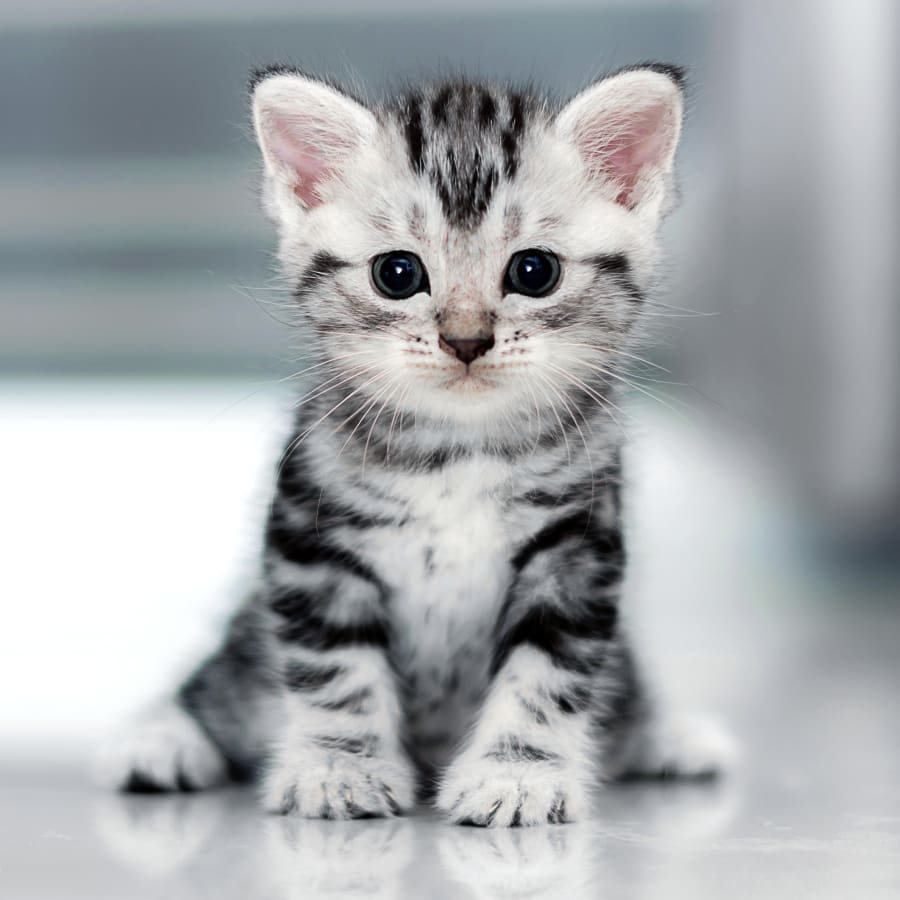



This is a three column row.
Below is an example of the button block element.
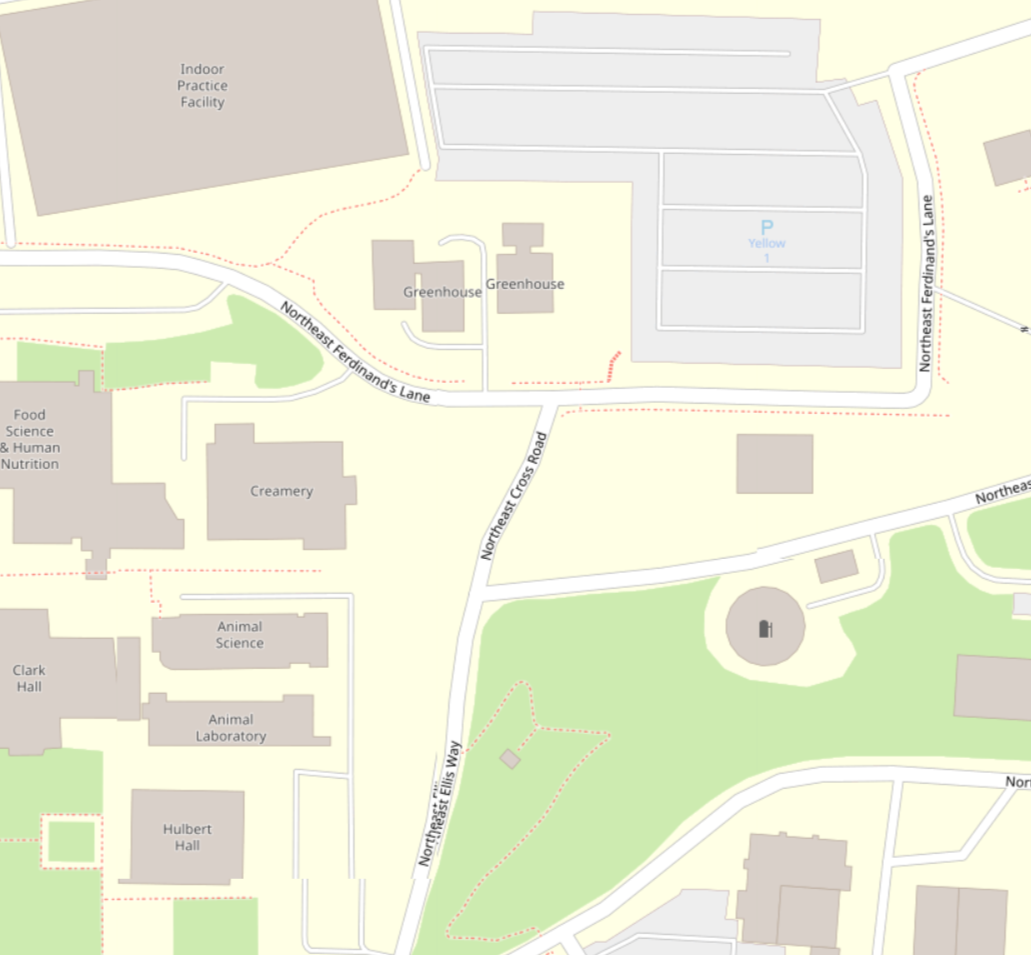
This is a sample map.
To insert a map, use the "Campus Map" block element.
Follow the directions on the block.
This is my quote
Average Age of Employees
41
Years


This is a slide show
To insert a slide show,
- click on the slide show block element,
- select your slides,
- whether you want to display captions,
- click select
Popup Modal Content
Working with Events
You can display events from the presence feed using the WSU Events Block.
Click on the block, select the sponsoring organizations, the number of days, and indicate whether or not you want to display descriptions. Then click "Create".