


How to work with the block grid
You will be able to add the same kinds of content that you added via the Grid in earlier versions of Umbraco. Unfortunately, that editor looks like it's going away. So we need to move toward using the BlockGrid to add our widgets.
The items that can be added via the blockgrid are:
- Rich Text
- Images
- Content Cards
- Quotes
- Dropdown Links
- WSU Events
- Facility Hours
- Tabbed Content
- Accordion items
- Person Cards
- You Tube Video
- Image Gallery
- Slide Show
- Macros
Normally, blocks take up 100% of the width of their containers. If you need to resize a block, you can do so by hovering over the block and dragging the hollow square that appears in its lower right corner.
Kitten 1

Facility Hours Block
To add facility hours:
- Click on the FacilityHoursToday Block
- Click on each of the facilities that you want to show
- Add a link to the page that contains all of hours for your department, if needed.
This is the alternative display for hours
-to enable it click on the "enable Tiny display" button
This is my demo inspirational quote text
Statistics Block Element
Kittens on Campus
2
Kittens per capita
Staff Row Block Element


Our Location
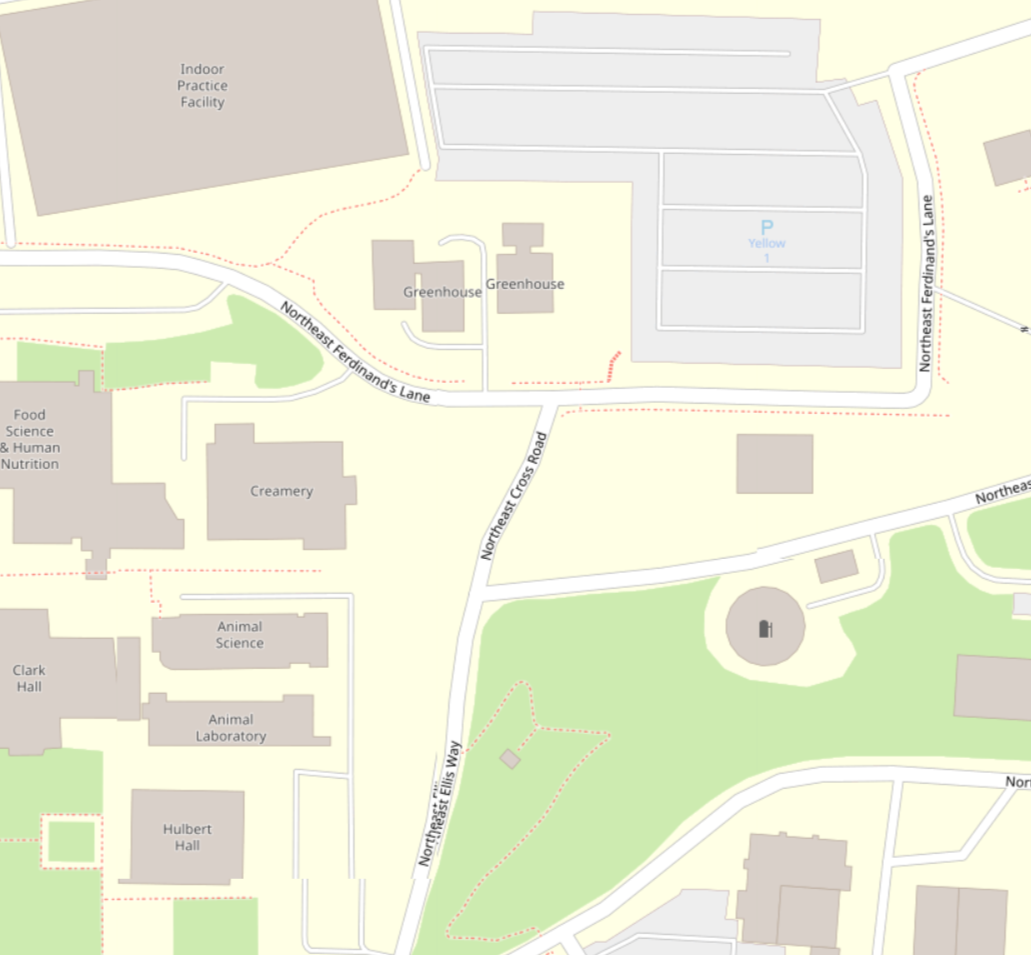
Desert 1220X567
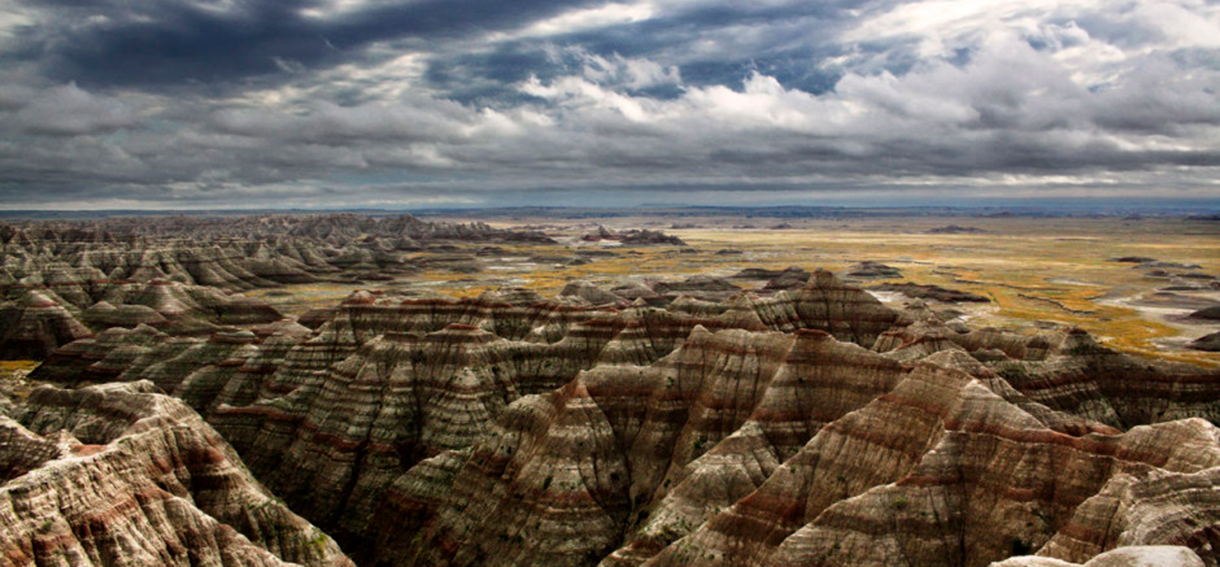
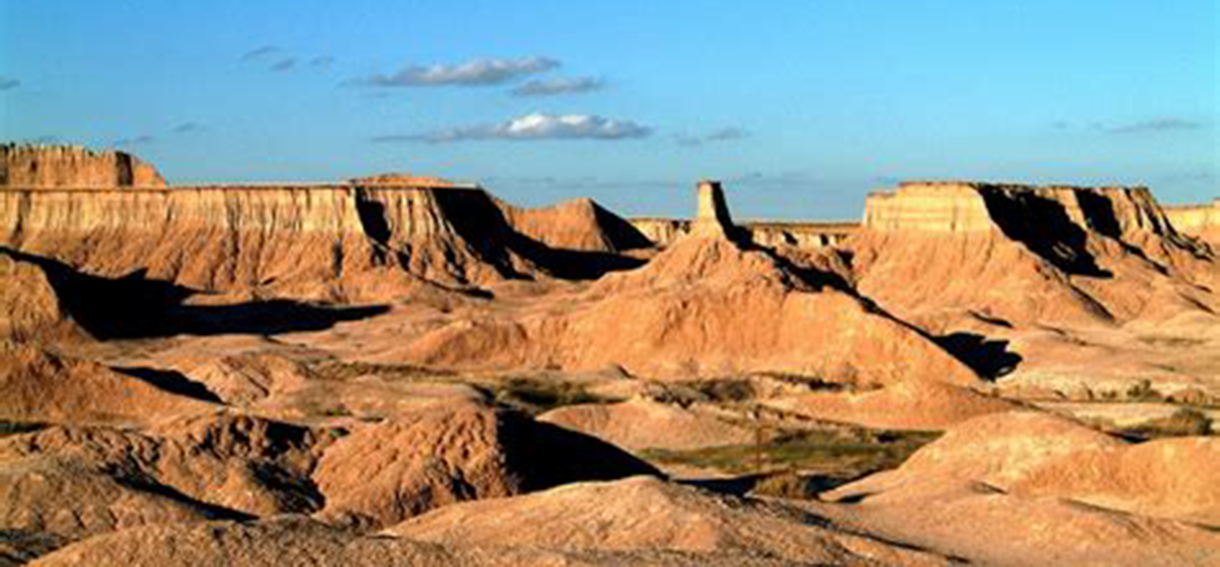
South Dakota Badlands 1220X567

Sylvanlake
My Demo Accordion
dfgfds
fdgfdsg
dfgsdg
gdfgfdsg